.png?width=250&height=59&name=OpenEd_logo_noborder%20(1).png)
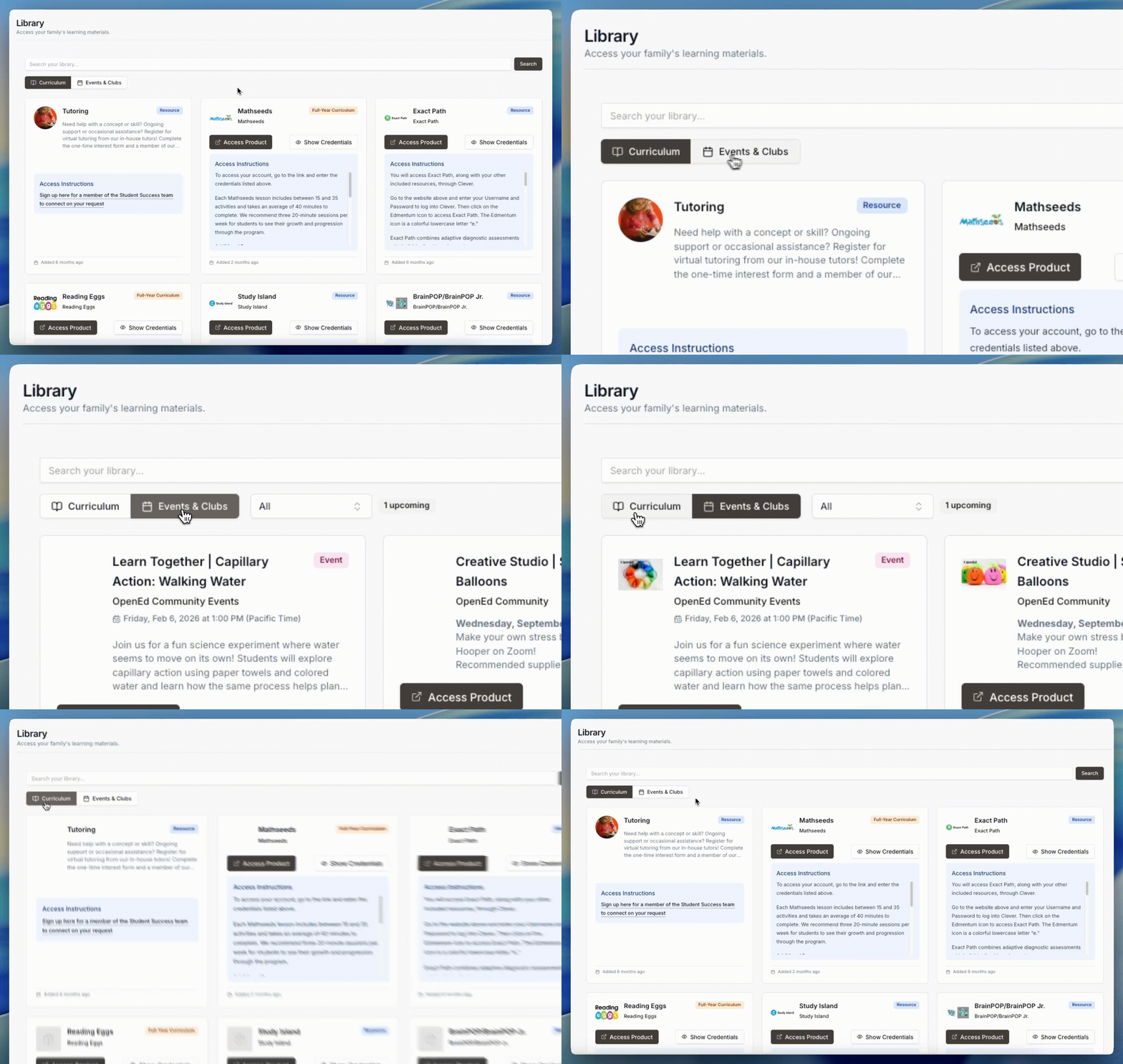
After the start of the school year, you’ll see a Library menu option appear in the lefthand sidebar of the OpenEd platform.

Your student’s library is where you can access all of the educational resources that you’ve purchased through the marketplace.
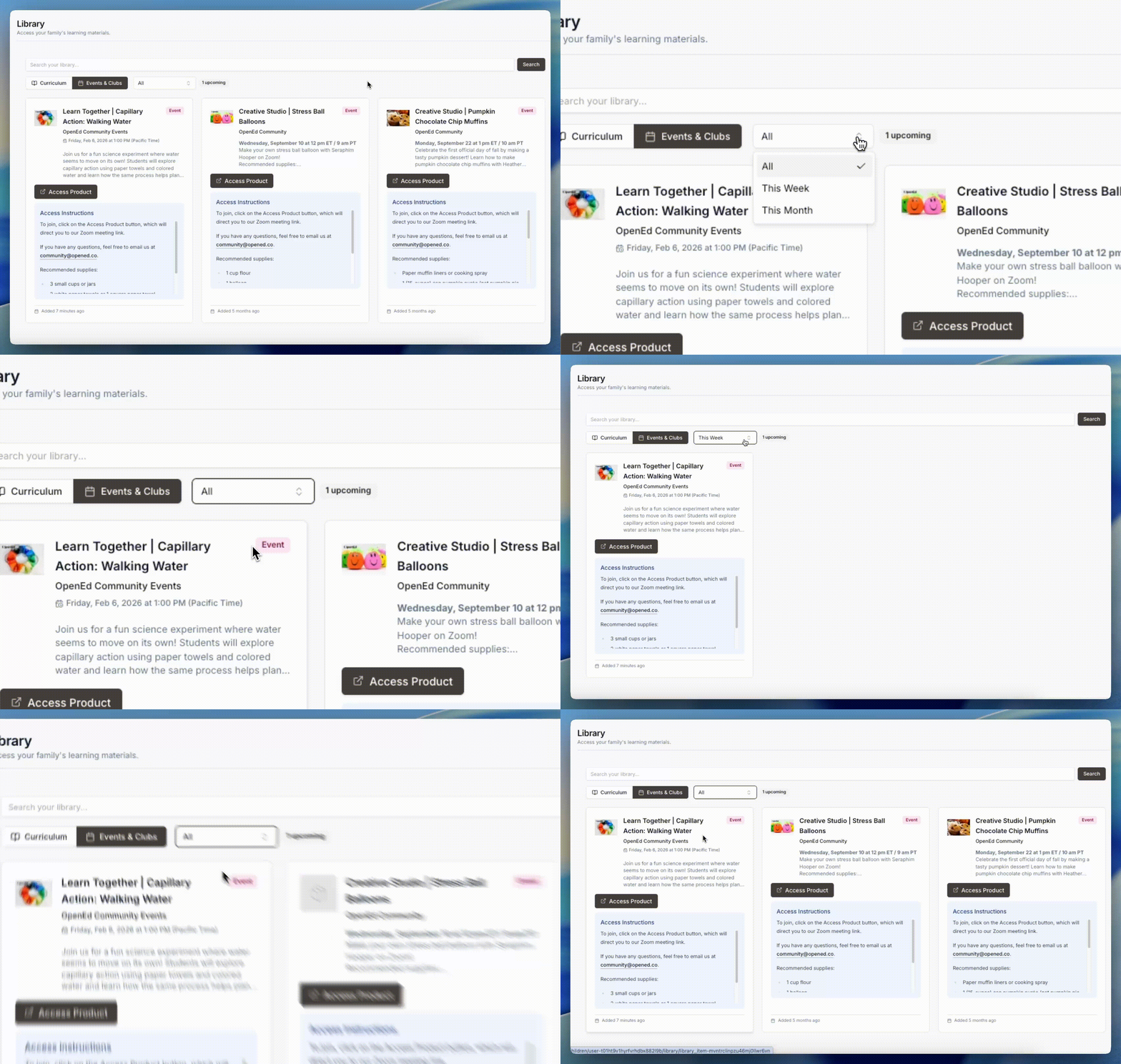
If you sign up for any events or clubs, they’ll show up on this page, too.
What To Expect From Your Student’s Library
On the Library page, you’ll see a separate tile for each of your student’s resources.

These tiles include access instructions to give you some guidance about how to use each resource.

They also include two buttons at the top of the tile:

An Access Product button, which will take you directly to the resource’s external website.

A Show Credentials button, which will show you your student’s username and password for the resource.
Keeping Track Of Your Student’s Resources
If you've selected Events & Clubs, you'll also see a dropdown menu that lets you decide the time range of info to view.
You can choose between viewing all events/clubs; events/clubs taking place this week; or events/clubs taking place this month.
Included Resources
Your student will start the school year with a few free resources already loaded into their library.
These resources include Exact Path, Study Island, and BrainPOP/BrainPOP Jr.
To access all three of these resources, your student will use a platform called Clever.
Sign Up For Tutoring Sessions
If your student needs help with a concept or skill, you can sign up for a virtual tutoring session from OpenEd’s in-house tutors through the Tutoring tile in your student’s library.
From that tile, click on the link under the Access Instructions. That will take you to a form where you can fill in a few details about what kind of support your student needs.
After you fill out the form, you'll be redirected to a page with two key pieces of info:
-
Our updated drop-in tutoring schedule
-
A tutor directory where you can learn all about our amazing teachers and access their booking links directly
Each student can sign up for up to 6 individual support sessions per month. Students are welcome to join as many drop-in tutoring sessions as they'd like - no limit.
Drop-in sessions are available Monday through Thursday at 1 PM MT.